
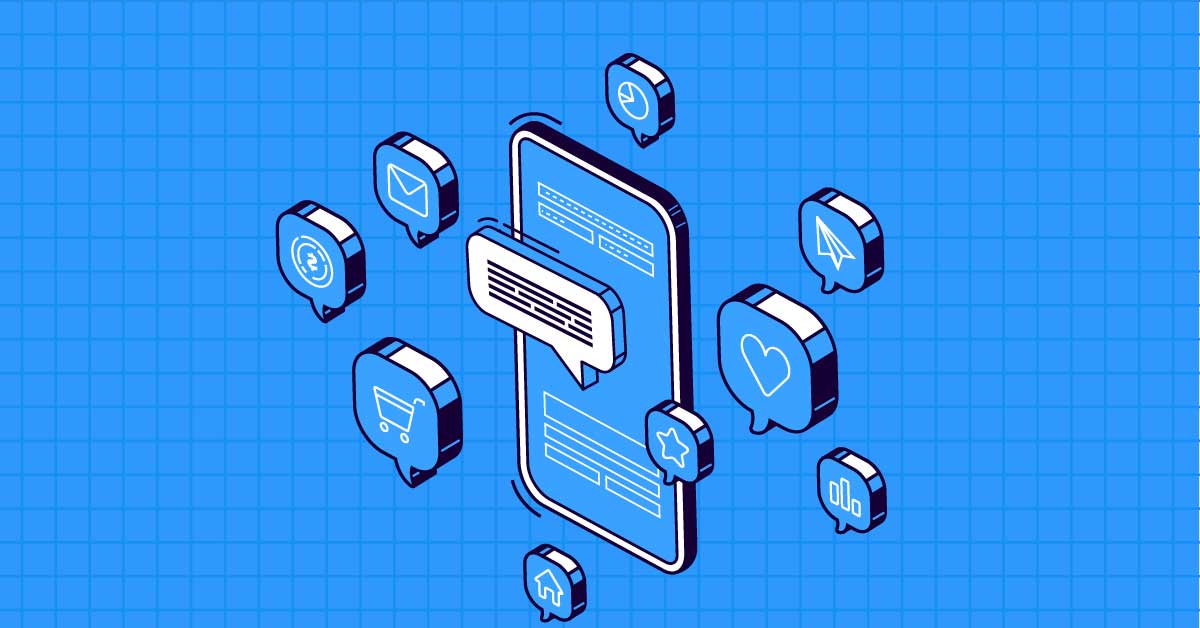
In the ever-evolving landscape of mobile applications, integrating push notifications has become a vital feature for enhancing user engagement and retention. Push notifications allow apps to communicate directly with users, delivering timely updates, personalized messages, and essential alerts even when the app is not in use. This article delves into the benefits, strategies, and best practices for integrating push notifications in mobile app development, ensuring your app stands out in a crowded market.
Benefits of Push Notifications
- Enhanced User Engagement: Push notifications can prompt users to open and interact with your app, significantly boosting engagement rates.
- Increased Retention Rates: Regular updates and reminders help keep users engaged with your app, reducing churn rates.
- Personalized Communication: Tailored messages based on user behavior and preferences create a personalized user experience, improving satisfaction.
- Timely Updates: Inform users about new features, updates, and critical information instantly.
- Higher Conversion Rates: Well-crafted notifications can drive users to complete desired actions, such as making a purchase or signing up for a service.
Key Components of Push Notification Integration
- Notification Service Provider: Choose a reliable service provider like Firebase Cloud Messaging (FCM) for Android, Apple Push Notification Service (APNs) for iOS, or third-party solutions like OneSignal.
- Backend Server: Implement a backend server to manage and send notifications. This server communicates with the notification service provider to deliver messages to users.
- Client-Side Implementation: Integrate the necessary SDKs into your mobile app to handle receiving and displaying notifications.
Steps for Integrating Push Notifications
- Set Up Notification Service:
- For Firebase Cloud Messaging (FCM):
- Create a Firebase project and add your app.
- Download the
google-services.jsonfile for Android orGoogleService-Info.plistfor iOS and add it to your project.
- For Apple Push Notification Service (APNs):
- Create an Apple Developer account and generate an APNs key.
- Configure your app to use the APNs key.
- For Firebase Cloud Messaging (FCM):
- Configure Your App:
- Add the necessary dependencies and SDKs to your project.
- Implement code to register the device for push notifications and handle incoming messages.
- Backend Server Setup:
- Develop a backend server to manage push notifications. This server will handle authentication, message composition, and sending notifications via the notification service provider’s API.
- Testing and Debugging:
- Test the push notification functionality thoroughly to ensure messages are delivered and displayed correctly.
- Use tools and platforms provided by your notification service provider to test and debug notifications.
Best Practices for Effective Push Notifications
- Personalize Content: Use data and analytics to personalize notifications. Tailor messages based on user behavior, preferences, and demographics.
- Optimal Timing: Schedule notifications to be sent at times when users are most likely to engage. Avoid sending messages at inconvenient times.
- Clear and Concise Messaging: Ensure your notifications are clear, concise, and provide value to the user. Avoid spammy or irrelevant messages.
- Use Rich Media: Enhance notifications with images, videos, and interactive elements to capture user attention.
- Segmentation: Segment your user base to send targeted messages. Different user groups may have different needs and preferences.
- Frequency Control: Avoid overwhelming users with too many notifications. Implement frequency capping to control the number of messages sent.
- Actionable Notifications: Include clear calls-to-action (CTAs) to guide users on what to do next.
- Opt-In and Opt-Out: Provide users with easy options to opt-in or opt-out of notifications. Respect their preferences to build trust and avoid annoyance.
- Monitor and Analyze: Continuously monitor the performance of your push notifications. Use analytics to track open rates, engagement, and conversion rates, and adjust your strategy accordingly.
Tools for Push Notification Integration
- Firebase Cloud Messaging (FCM): A comprehensive solution for sending notifications across Android, iOS, and web platforms.
- OneSignal: A popular third-party service that provides robust features for push notifications, including segmentation and analytics.
- Pusher Beams: A service designed for transactional and event-driven notifications, offering a simple API for integration.
- Airship: A powerful tool for mobile engagement that offers push notifications, in-app messaging, and more.
- Leanplum: An engagement platform that provides personalized push notifications, A/B testing, and advanced analytics.
Conclusion
Integrating push notifications in mobile app development is essential for keeping users engaged and informed. By leveraging the power of personalized, timely, and relevant notifications, you can significantly enhance user experience, retention, and conversion rates. Follow best practices, use reliable tools, and continuously monitor your notification strategy to ensure it aligns with your users’ needs and preferences. Embrace the potential of push notifications to take your mobile app to new heights of success.

Comments are closed