
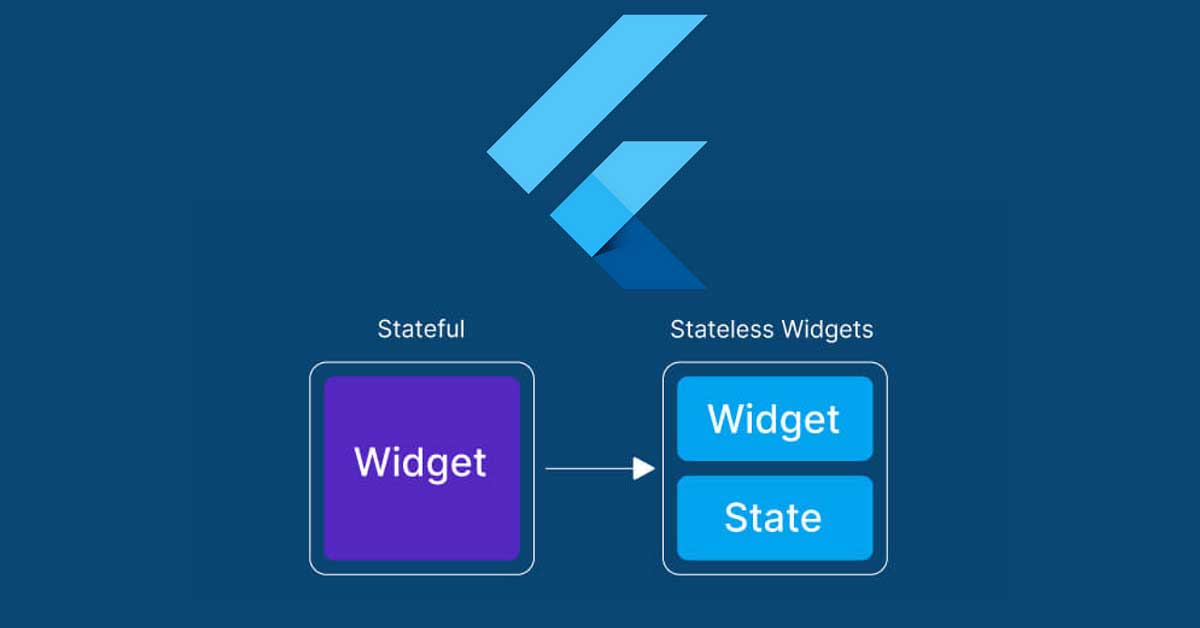
When developing mobile applications with Flutter, understanding the distinction between stateful and stateless widgets is crucial. These widgets form the building blocks of your app’s user interface, and choosing the right approach can significantly impact your app’s performance and user experience. This guide delves into the differences between stateful and stateless widgets, their use cases, and best practices for selecting the appropriate widget type for your Flutter projects.
Understanding Stateless Widgets
What are Stateless Widgets?
Stateless widgets are immutable widgets that do not change once they are built. They are ideal for static content that does not need to update dynamically. Stateless widgets are created by extending the StatelessWidget class and overriding the build method to return the widget tree.
When to Use Stateless Widgets
- Static Content: Use stateless widgets for UI elements that do not change over time, such as static text, images, and icons.
- Performance Optimization: Stateless widgets are more efficient than stateful widgets because they do not require the framework to maintain their state, leading to better performance.
- Simpler Logic: For simple UI components without complex logic or interactivity, stateless widgets are easier to implement and manage.
Example of a Stateless Widget
import 'package:flutter/material.dart';
class MyStatelessWidget extends StatelessWidget {
@override
Widget build(BuildContext context) {
return Scaffold(
appBar: AppBar(
title: Text(‘Stateless Widget Example’),
),
body: Center(
child: Text(‘This is a stateless widget’),
),
);
}
}
Understanding Stateful Widgets
What are Stateful Widgets?
Stateful widgets are dynamic widgets that can change their state during the app’s lifecycle. They are created by extending the StatefulWidget class and using a companion State class to manage the widget’s state. The state class contains the mutable state and the build method to construct the widget tree.
When to Use Stateful Widgets
- Interactive Components: Use stateful widgets for components that require user interaction, such as buttons, forms, and sliders.
- Dynamic Content: Stateful widgets are ideal for content that changes over time, such as animations, live data updates, and user inputs.
- Complex Logic: For components with complex logic or state management, stateful widgets provide the flexibility to manage and update the state as needed.
Example of a Stateful Widget
import 'package:flutter/material.dart';
class MyStatefulWidget extends StatefulWidget {
@override
_MyStatefulWidgetState createState() => _MyStatefulWidgetState();
}
class _MyStatefulWidgetState extends State<MyStatefulWidget> {
int _counter = 0;
void _incrementCounter() {
setState(() {
_counter++;
});
}
@override
Widget build(BuildContext context) {
return Scaffold(
appBar: AppBar(
title: Text(‘Stateful Widget Example’),
),
body: Center(
child: Column(
mainAxisAlignment: MainAxisAlignment.center,
children: <Widget>[
Text(‘You have pressed the button this many times:’),
Text(
‘$_counter’,
style: Theme.of(context).textTheme.headline4,
),
],
),
),
floatingActionButton: FloatingActionButton(
onPressed: _incrementCounter,
tooltip: ‘Increment’,
child: Icon(Icons.add),
),
);
}
}
Key Differences Between Stateful and Stateless Widgets
1. Immutability
- Stateless Widgets: Immutable, meaning their properties cannot change once they are initialized.
- Stateful Widgets: Mutable, allowing their properties to change during the app’s lifecycle through the state class.
2. Lifecycle Management
- Stateless Widgets: Have a simpler lifecycle with only a build method.
- Stateful Widgets: Have a more complex lifecycle, including methods like
initState,build,setState, anddispose.
3. Performance
- Stateless Widgets: Generally more performant due to their immutable nature and lack of state management.
- Stateful Widgets: Can be less performant if not managed properly, as they require the framework to rebuild and manage their state.
4. Use Cases
- Stateless Widgets: Suitable for static content and simple UI elements.
- Stateful Widgets: Ideal for interactive and dynamic content that changes over time.
Best Practices for Choosing the Right Widget Type
1. Assess the Requirements
Evaluate the specific requirements of your UI component. If it involves static content with no need for updates, a stateless widget is appropriate. For interactive elements or components that change state, opt for a stateful widget.
2. Optimize for Performance
While stateful widgets provide more flexibility, overusing them can lead to performance issues. Use stateless widgets wherever possible to keep your app efficient and responsive.
3. Separate Logic from UI
For complex applications, consider separating business logic from UI using state management solutions like Provider, Bloc, or Riverpod. This approach helps manage state outside the widget tree, reducing the complexity of your stateful widgets.
4. Reuse Widgets
Reuse widgets to maintain a clean and maintainable codebase. Creating reusable stateless widgets for common UI components can reduce redundancy and simplify updates.
5. Leverage Flutter’s Inherited Widgets
For sharing state across multiple widgets, use Flutter’s inherited widgets or context-based solutions. This approach allows you to manage state efficiently without overcomplicating your widget hierarchy.
Conclusion
Choosing between stateful and stateless widgets in Flutter is a fundamental decision that affects your app’s performance, maintainability, and user experience. By understanding the differences, evaluating the use cases, and following best practices, you can make informed decisions that enhance your Flutter development process. Utilize stateless widgets for static content and stateful widgets for interactive and dynamic components to build responsive, efficient, and high-quality Flutter applications.

Comments are closed