
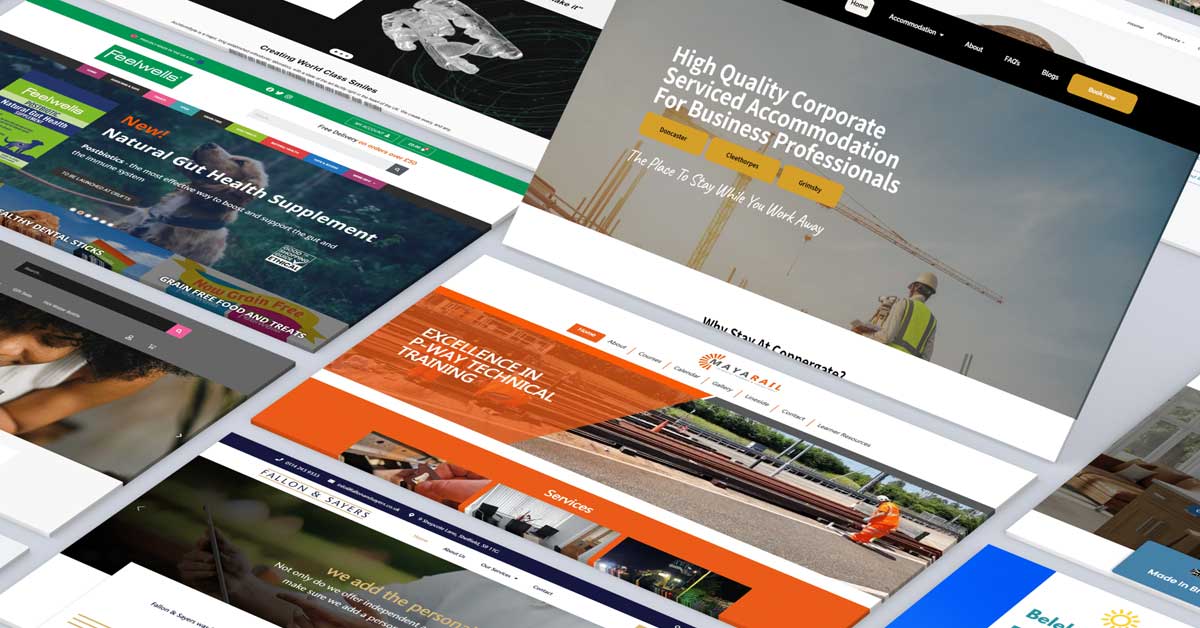
Creating a visually appealing and highly functional website requires a blend of creativity, technical skills, and a deep understanding of user behavior. Effective web design is about more than just aesthetics; it’s about creating a seamless user experience that drives engagement and conversions. In this article, we’ll uncover the secrets of effective design and how to transform your website into a digital wonder.
1. Understanding User Behavior
To design an effective website, it’s essential to understand your users’ needs and behaviors. User-centered design puts the user at the heart of the design process, ensuring that every element serves a purpose and enhances the user experience.
Key Insights:
- User Research: Conduct surveys, interviews, and usability tests to gather insights.
- User Personas: Create detailed personas representing different segments of your audience.
- User Journeys: Map out user journeys to understand how visitors interact with your site and identify pain points.
2. Prioritizing Usability
Usability is a cornerstone of effective web design. A usable website is easy to navigate, intuitive, and ensures that users can accomplish their goals effortlessly.
Usability Tips:
- Simplified Navigation: Use clear, concise labels and logical menu structures.
- Consistent Layout: Maintain consistency in design elements across the site to avoid confusion.
- Responsive Design: Ensure your website is fully responsive and works well on all devices.
3. Crafting Engaging Visuals
Visual appeal plays a significant role in capturing user attention. Engaging visuals not only make your website attractive but also help communicate your brand message effectively.
Visual Design Strategies:
- High-Quality Images: Use professional, high-resolution images that reflect your brand’s identity.
- Color Psychology: Choose colors that evoke the desired emotions and reactions from users.
- Whitespace: Use whitespace effectively to create a clean, uncluttered look that enhances readability.
4. Enhancing Loading Speed
A fast-loading website is crucial for retaining visitors and improving search engine rankings. Loading speed optimization ensures that users don’t abandon your site due to slow performance.
Speed Optimization Techniques:
- Image Optimization: Compress and resize images to reduce load times.
- Minimize HTTP Requests: Simplify your design by reducing the number of elements on each page.
- Leverage Browser Caching: Store frequently accessed files locally on users’ devices.
5. Implementing Clear Calls to Action (CTAs)
Effective calls to action guide users towards taking specific actions, such as signing up for a newsletter or making a purchase. Clear and compelling CTAs are vital for driving conversions.
CTA Best Practices:
- Visibility: Place CTAs in prominent locations where they are easily noticeable.
- Action-Oriented Text: Use persuasive, action-oriented language that encourages users to click.
- Contrasting Colors: Make CTAs stand out by using contrasting colors that draw attention.
6. Optimizing for SEO
Search Engine Optimization (SEO) is critical for ensuring that your website is visible to search engines and attracts organic traffic. SEO optimization involves both on-page and off-page strategies to improve your site’s search rankings.
SEO Strategies:
- Keyword Research: Identify and use relevant keywords throughout your content.
- Meta Tags: Optimize meta titles and descriptions to improve click-through rates.
- Quality Content: Produce high-quality, valuable content that answers users’ questions and meets their needs.
7. Ensuring Mobile-Friendliness
With the increasing use of mobile devices, mobile-friendliness is no longer optional. Your website must provide a seamless experience across all devices.
Mobile Optimization Tips:
- Responsive Design: Use responsive design techniques to ensure your site adapts to different screen sizes.
- Touch-Friendly Navigation: Design buttons and links that are easy to tap on touch screens.
- Simplified Content: Streamline content to load quickly and display well on smaller screens.
8. Building Trust and Credibility
Trust and credibility are essential for converting visitors into customers. Building trust involves creating a professional, secure, and transparent online presence.
Trust-Building Elements:
- SSL Certificates: Secure your website with SSL certificates to protect user data.
- About Us Page: Provide detailed information about your business and team.
- Customer Testimonials: Showcase positive reviews and testimonials from satisfied customers.
9. Utilizing Analytics and Feedback
Continuous improvement is key to maintaining an effective website. Utilize analytics and feedback to understand user behavior and identify areas for improvement.
Analytics Tools:
- Google Analytics: Track visitor behavior, traffic sources, and conversion rates.
- Heatmaps: Visualize user interactions to see where visitors click and scroll.
- User Feedback: Collect feedback through surveys and comment forms to gain insights into user satisfaction.
10. Keeping Content Fresh
Regularly updating your content keeps your website relevant and engaging. Fresh content not only attracts repeat visitors but also improves SEO.
Content Strategies:
- Blogging: Maintain a blog with informative and engaging articles.
- Content Calendar: Plan and schedule content updates to ensure consistency.
- Multimedia: Use videos, infographics, and other multimedia to diversify your content.
By unlocking these secrets of effective design, you can transform your website into a digital wonder that captivates users, drives engagement, and achieves your business goals. Focus on understanding your audience, optimizing usability, and continuously improving based on user feedback to ensure long-term online success.

Comments are closed