
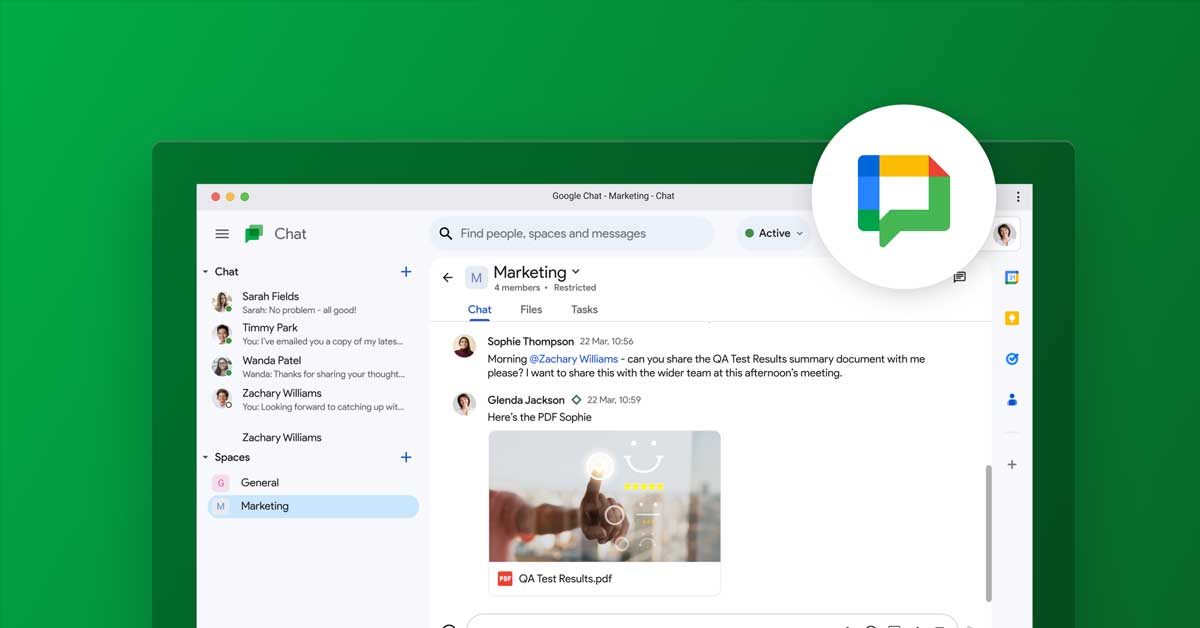
Google My Business Messaging is a powerful tool for businesses aiming to improve their customer interaction. This feature allows businesses to engage with customers in real time, enhancing the overall customer experience and fostering stronger relationships.
Why Google My Business Messaging Matters
In today’s fast-paced digital world, customers expect quick responses to their inquiries. Google My Business Messaging provides a direct line of communication between businesses and their customers, enabling immediate responses to questions, concerns, and feedback. This real-time interaction can significantly improve customer satisfaction and loyalty.
Benefits of Real-Time Customer Interaction
- Enhanced Customer Service: By using Google My Business Messaging, businesses can provide prompt answers to customer queries. This immediate response capability can resolve issues quickly, leading to higher customer satisfaction.
- Increased Engagement: Real-time messaging fosters a more personal connection with customers. It shows that the business values their time and is readily available to assist, which can lead to increased customer engagement and repeat business.
- Improved Conversion Rates: Quick responses can often lead to higher conversion rates. When customers receive timely answers to their questions, they are more likely to proceed with a purchase or service request.
- Reputation Management: Prompt and professional communication can help manage and enhance a business’s online reputation. Positive customer interactions can lead to positive reviews and higher ratings on Google My Business.
Setting Up Google My Business Messaging
To start using Google My Business Messaging, follow these simple steps:
- Sign In: Log into your Google My Business account.
- Enable Messaging: Navigate to the Messaging section and turn on the messaging feature.
- Customize Your Greeting: Set up a custom welcome message that customers will receive when they initiate a chat.
- Manage Conversations: Use the Google My Business app to manage and respond to messages on the go.
Best Practices for Using Google My Business Messaging
- Respond Promptly: Aim to respond to messages as quickly as possible. A swift response shows customers that their inquiries are a priority.
- Be Professional and Friendly: Maintain a professional yet friendly tone in all communications. Personalize your messages to make customers feel valued.
- Use Automated Responses: Set up automated responses for frequently asked questions to save time and provide immediate answers.
- Monitor Feedback: Regularly check the feedback and ratings left by customers after interactions. Use this information to improve your customer service strategies.
Conclusion
Google My Business Messaging is an essential tool for businesses looking to improve their customer interaction and provide real-time support. By leveraging this feature, businesses can enhance customer satisfaction, increase engagement, and improve their overall online presence. Set up Google My Business Messaging today and start reaping the benefits of real-time customer interaction.

Comments are closed